
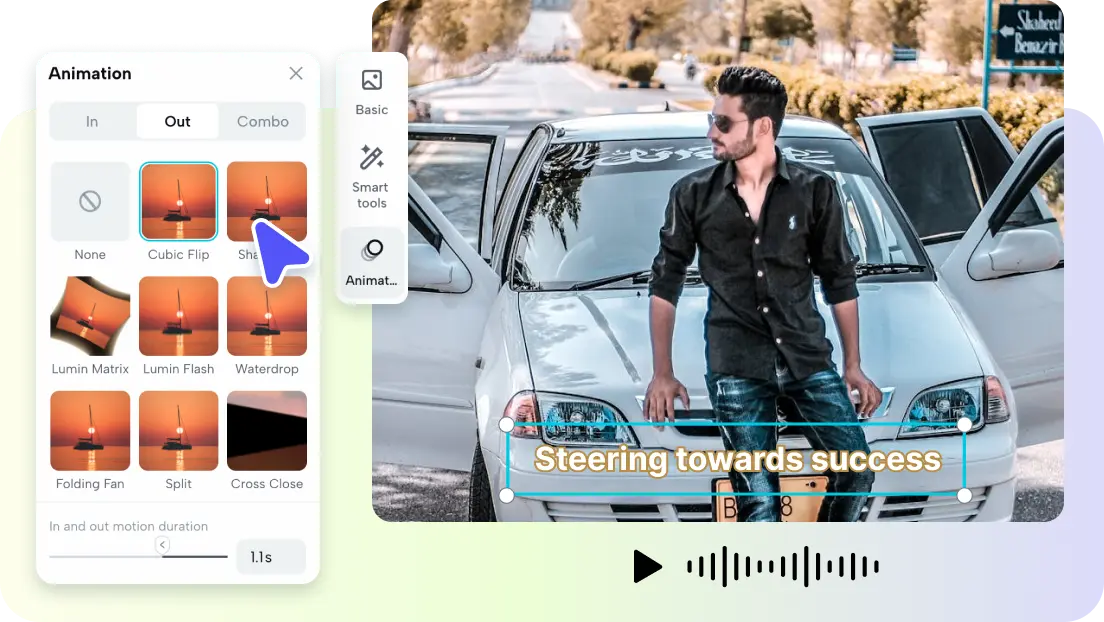
Everyone has a folder full of photographs that never go anywhere. A product shot, a travel snapshot, a portrait that captured a perfect moment, all of them sitting still while the platforms we spend our time on reward movement. Static images increasingly get scrolled past, not because they lack quality, but because a feed built for video tends to swallow anything that does not move.
Image to video technology offers a way out of that dead end. It takes a photograph you already have and transforms it into a short, moving clip, adding motion, depth, and life to a frame that was previously frozen. Suddenly the archive of images gathering dust becomes raw material for content that competes for attention. This article explains how the process works, who benefits from it, and how to turn a single still into a clip that feels intentional rather than gimmicky.
How a Still Frame Starts to Move
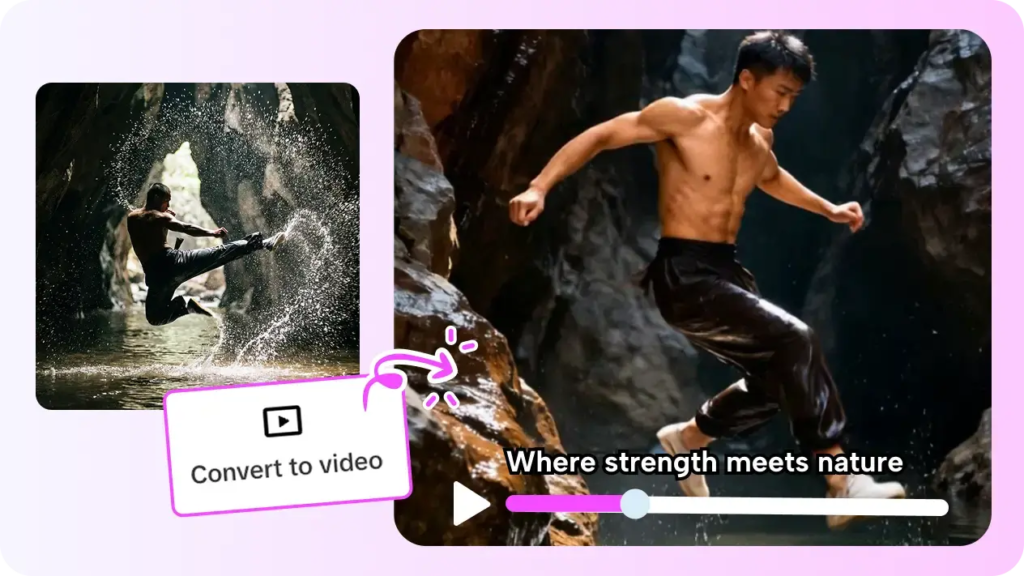
At its heart, image to video takes a static picture and generates motion from it, producing a short clip where elements shift, the camera appears to move, or subtle animation brings the scene to life. Instead of a flat frame, you get something with a sense of time and space, the kind of movement that a video-first feed is built to reward.
The technology works by interpreting what is in the image and inferring how it might plausibly move. A landscape might gain a slow, drifting camera push; a portrait might show gentle, lifelike motion; a product might rotate subtly to reveal its form. You are not filming anything new, you are extending the single moment the photo captured into a brief, watchable sequence, which is a remarkably efficient way to create content from assets you already own.
Motion That Serves the Image
The best results come from motion that suits the subject rather than motion for its own sake. A calm scene benefits from slow, subtle movement that preserves its mood, while a dynamic product shot can handle bolder animation. When the movement matches the feeling of the original photo, the clip feels like a natural extension of the image instead of an effect stapled on top of it.
Who Gets the Most Out of It
Online sellers see an obvious payoff. Product photography is expensive to shoot, yet static images struggle on video-driven marketplaces and social feeds. Turning an existing product photo into a moving clip lets a seller present the same item in a format that earns more attention, without arranging a new shoot or hiring a videographer.
Social media creators gain a way to refresh their archives. Anyone who has built up a library of photos can revisit that catalog and convert standout images into clips, effectively multiplying their usable content. A photo that performed well as a post can find a second life as a short video, reaching people who would have scrolled past the original.
Small brands and marketers benefit from speed and thrift. Rather than commissioning motion graphics or video production for every campaign, a team can animate the visuals it already has. This keeps a steady flow of video content moving out the door even when budgets are tight, which is often exactly when consistent output matters most.
Unlocking Value From Existing Assets
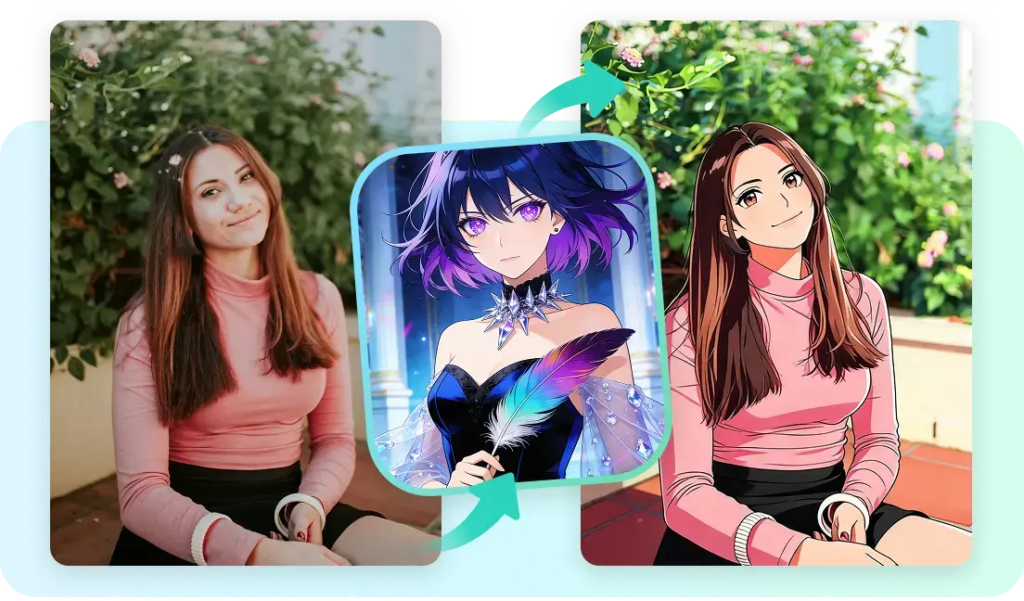
The deeper appeal is that this technology turns a sunk cost into a renewable resource. Photos you already paid to create, or captured long ago, suddenly have new potential. Instead of treating video as a fresh production challenge every time, you treat your image library as a reservoir of clips waiting to be made, which changes how you think about the assets you already hold.
Creating Clips That Feel Deliberate
Good results start with good source images. A sharp, well-composed photo animates far more convincingly than a blurry or cluttered one, so choose images with a clear subject and room for the eye to move. Before generating anything, picture the kind of motion that would flatter the scene and aim for that instead of accepting whatever appears by default.
Restraint is the guiding principle. Subtle, purposeful movement almost always reads as more professional than dramatic, exaggerated motion, which quickly starts to feel artificial. Keep clips short, let the movement breathe, and resist the temptation to over-animate. A simple checklist keeps the output polished:
- Start with a sharp, well-composed image.
- Choose motion that matches the subject’s mood.
- Keep the movement subtle and the clip short.
- Review the result before adding it to a feed.
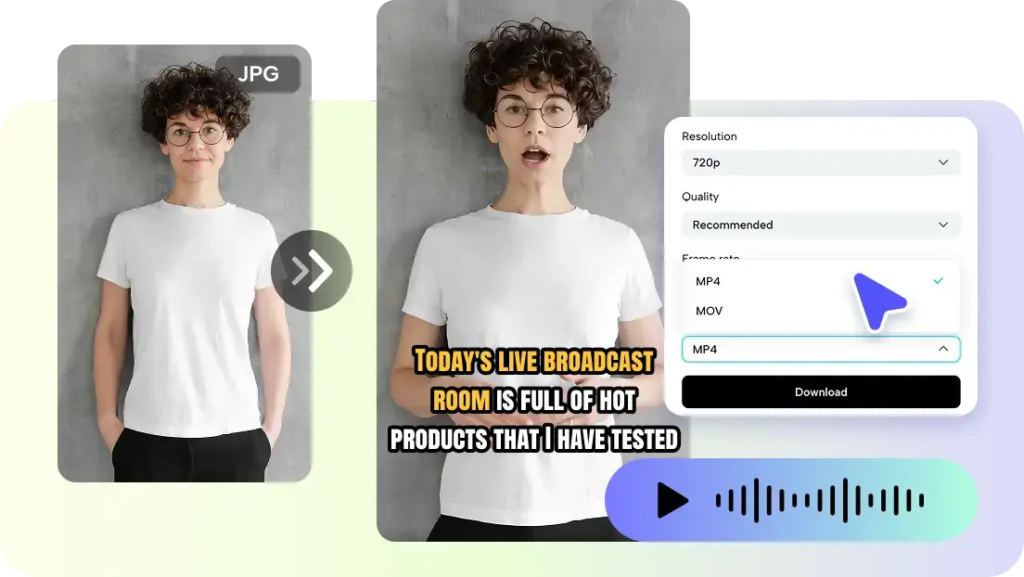
Tools like Pippit AI streamline this by turning a photo into an animated clip and letting you layer in captions or voiceover, so a single image can become a finished piece of content ready for a feed rather than a raw effect you still have to assemble elsewhere. That end-to-end flow keeps the focus on the result instead of the process.
Fitting the Clip to Its Platform
A clip that works in one place can feel out of step in another, so consider where the video will live before you finalize it. Aspect ratio, length, and pacing all shift depending on the platform, and matching those expectations helps the clip feel native rather than repurposed. A few seconds of thought about context often makes the difference between a video that blends in naturally and one that looks recycled.
Errors That Cheapen the Result
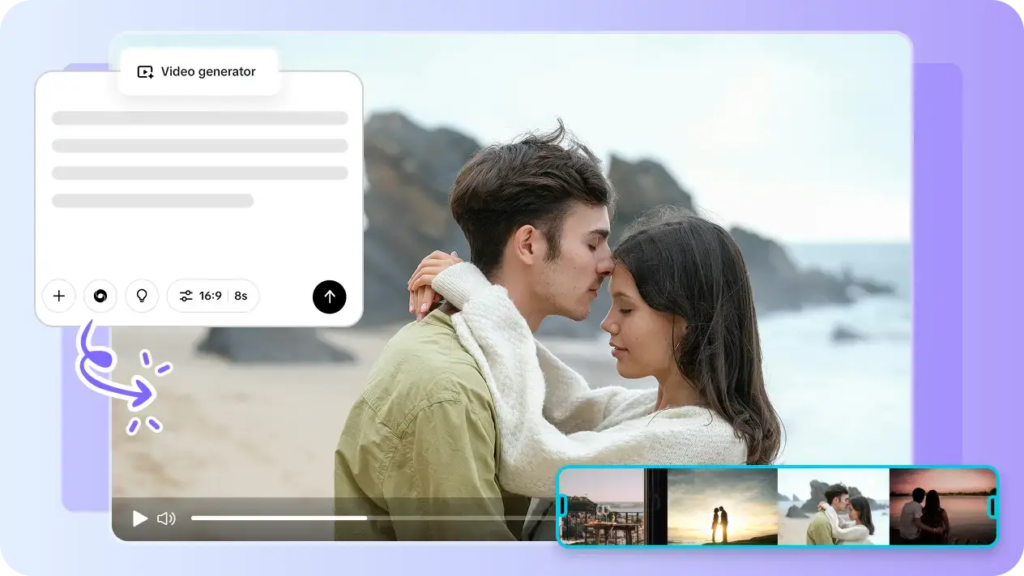
The most frequent mistake is overdoing the motion. When every element swirls and the camera lurches, the effect stops feeling cinematic and starts feeling cheap. Less movement, applied with intention, consistently produces a more convincing clip than an image straining under too many effects.
A second pitfall is animating weak source material. No amount of motion will rescue a poorly lit or badly composed photo, and adding movement often exaggerates its flaws. Start with your strongest images, and let the technology enhance quality that is already there rather than trying to manufacture it from a shot that was never good to begin with.

Turning a Photo Library Into Living Content
Image to video technology answers a simple but pressing problem: static images no longer command attention in feeds designed for motion. By transforming photos you already have into short, moving clips, it lets you meet audiences where they are without the cost and effort of producing video from scratch. The archive that once sat idle becomes a genuine source of fresh content.
The creators who benefit most will be those who animate with purpose. Begin with strong images, choose motion that suits the subject, keep it subtle, and tailor each clip to where it will be seen. Approach it that way, and breathing life into a still photograph stops being a novelty and becomes a practical, repeatable way to keep your content moving alongside the platforms that reward it.